Turn any sound into a score.
Transcribe a recording, follow it in notation and tab, and slow it down until it's yours.
Right in your browser. Nothing to download.
Transcription
Coming soonTranscribe any recording
Turn a recording into notation and tab right on your device, then practice it like any other score.
Music video editor
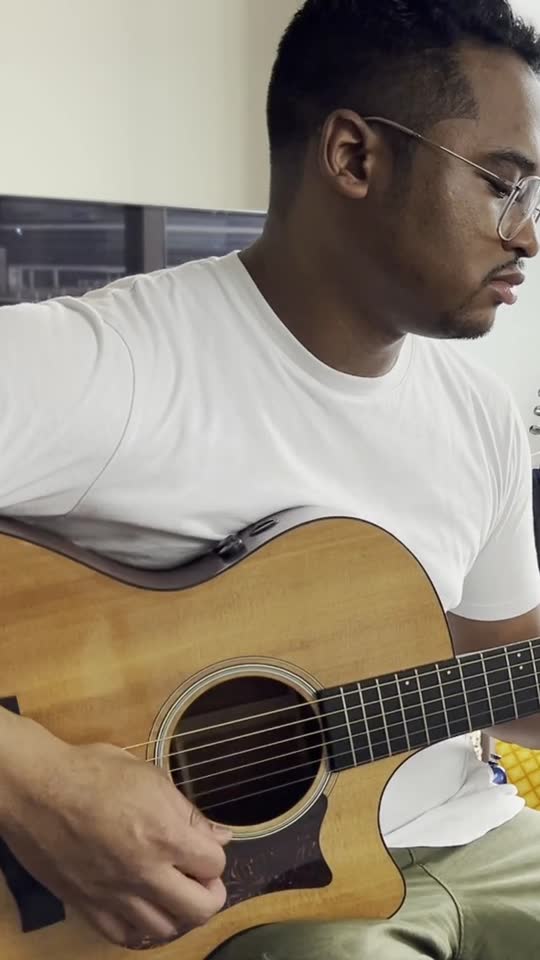
Make music videos
Slice your best take, place chord diagrams where you want them, and share a video sized for TikTok, Reels, and Shorts. sound2score renders it for you.
Chord
G majorPlaylist
The rest of the set
7 features
- 1
Sync your recordings
Upload a recording and the score follows it bar by bar, so you hear exactly what you read.
- 2
Organize in folders
Keep scores, recordings, and transcriptions in folders, and search across all of them.
- 3
Ear training gym
Short exercises for intervals, chords, and rhythm that sharpen your ear and your theory, a few minutes a day.
- 4
Share with anyone
Send a score by private link, or publish it to Explore for everyone to learn from.
- 5
Bring your whole library
Import a folder of MusicXML at once, folders and all, or a Soundslice export with its sync points and recordings.
- 6
Print and export
Print a score, or take it with you as PDF, MusicXML, MIDI, or audio.
- 7
Export your library
Take every folder and score with you in one download, recordings and sync included, ready to import again.
For educators
Bring interactive lessons to your own site.
Teachers, courses, and music education apps can put sound2score right where their students already learn.
Embed on your site
Put an interactive player in a lesson, blog post, or course. Your readers listen, loop, and learn without leaving the page.
Your brand only
Remove the “Made with sound2score” credit from your embeds.
Custom exercisesComing soon
Build ear training and reading exercises for your students, and embed them in your course or app.
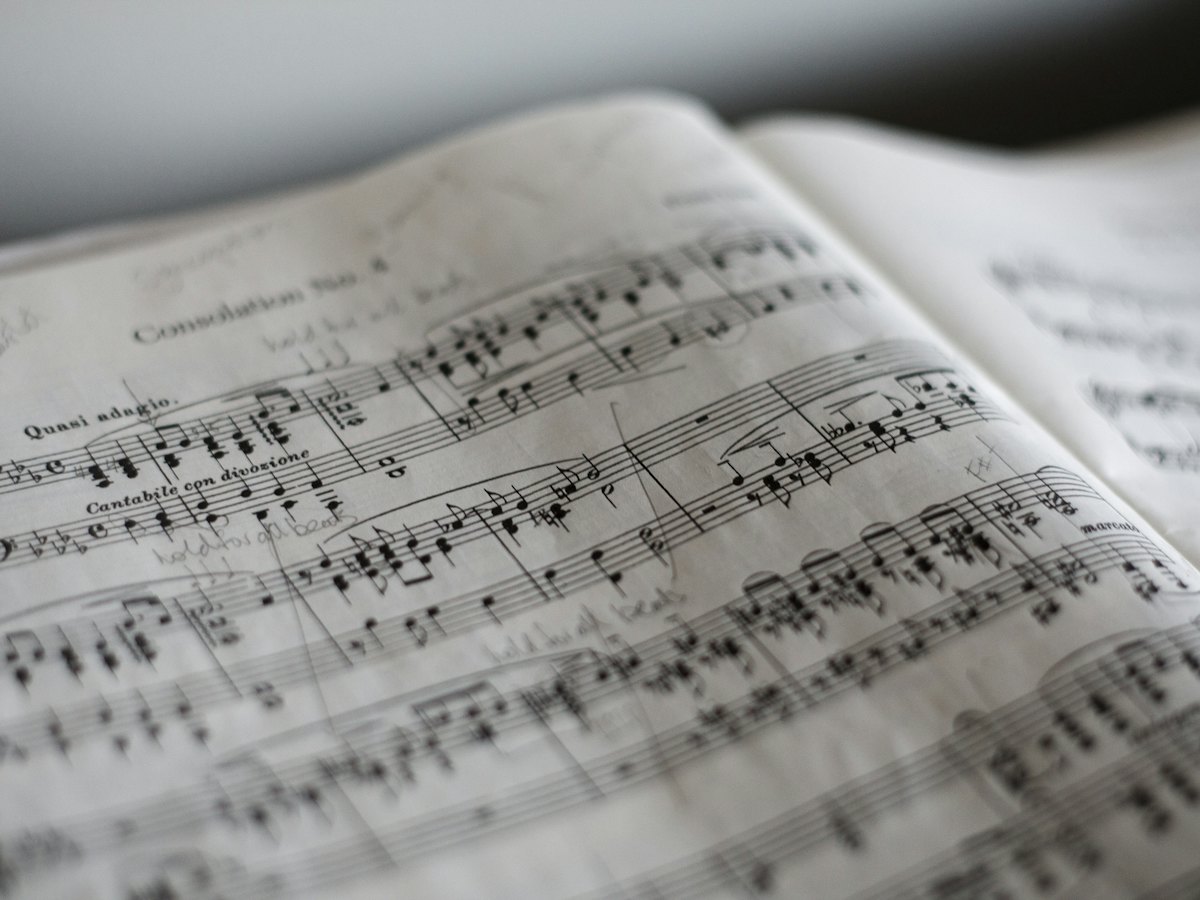
Start with a score you already know.
Free to learn in your browser. Upgrade to share, make videos, or embed.